cando-en
How to Use 
Share the Moment
with Live Footage
- Explore live cameras from around the world and travel virtually
- Check out the atmosphere of events you’re curious about
- See the weather in your neighborhood before heading out
Discover Footage via the Map
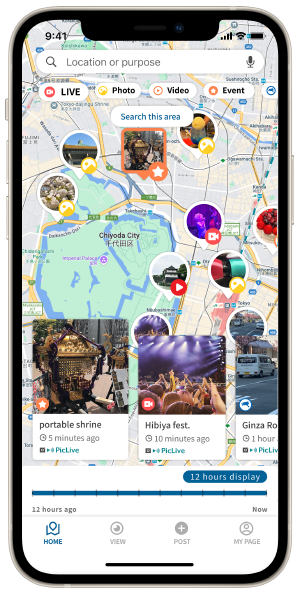
Scroll and zoom on the map, or use search results to find camera icons and explore interesting locations.
Watch Footage from That Place
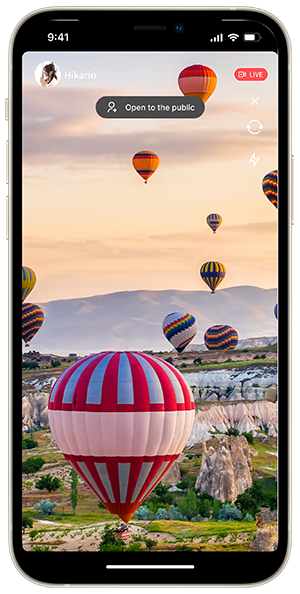
If live video is available, simply tap an icon on the map to watch what’s happening in real time.
Look Back at the Past
from Any Location
- Plan trips by checking past visuals of places you want to visit
- Gather info on previous events or crowd conditions
- Check out moments that went viral on other social media platforms
Search by Timeline
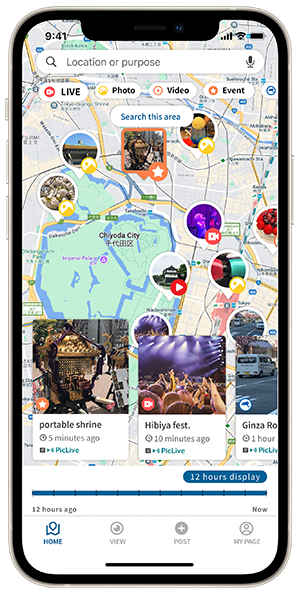
Go back in time and browse videos and photos in chronological order to get a sense of what a place is like.
Search by Time Range
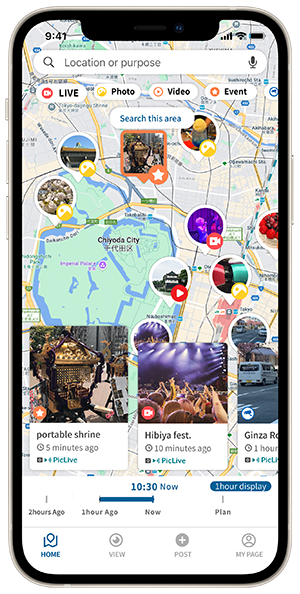
Choose to view media posted within the past 12 hours or select footage by each past hour interval.
Add Your Own Footage to the Map
- Join the network of live cameras by sharing video from your current or past locations
- Promote the atmosphere of events or exhibitions to a wider audience
- Share “this moment” during disasters, happenings, or anything worth capturing
Post Live Footage
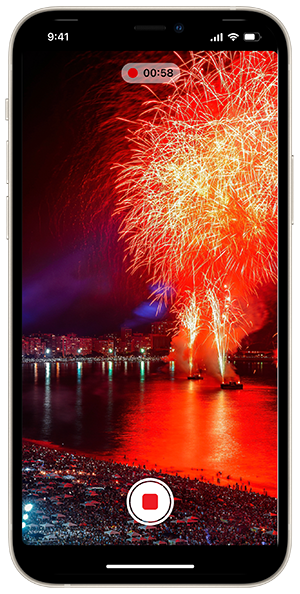
You can post your own footage and have it appear on the map. Features to limit visibility and control privacy will be added in future updates.
Join the Spot
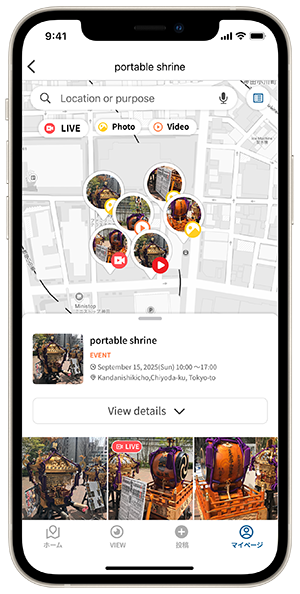
You can participate in spots displayed on the map, post videos, and view them. Participate in a spot, check in to the PIN on the map, and collect PINs within the spot! Organizers who want to list their spot information on PicLive,—please feel free to contact us!